Spreadsheet Editor Lite

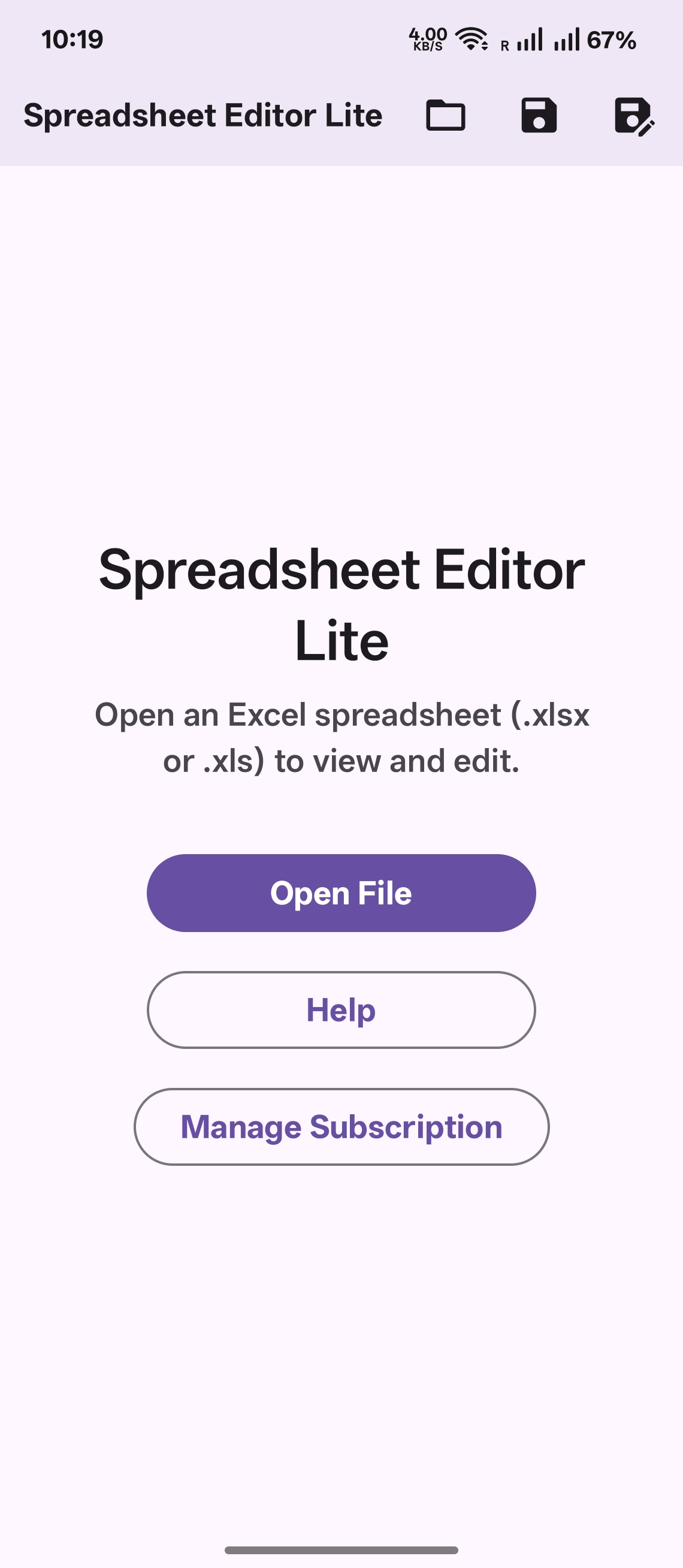
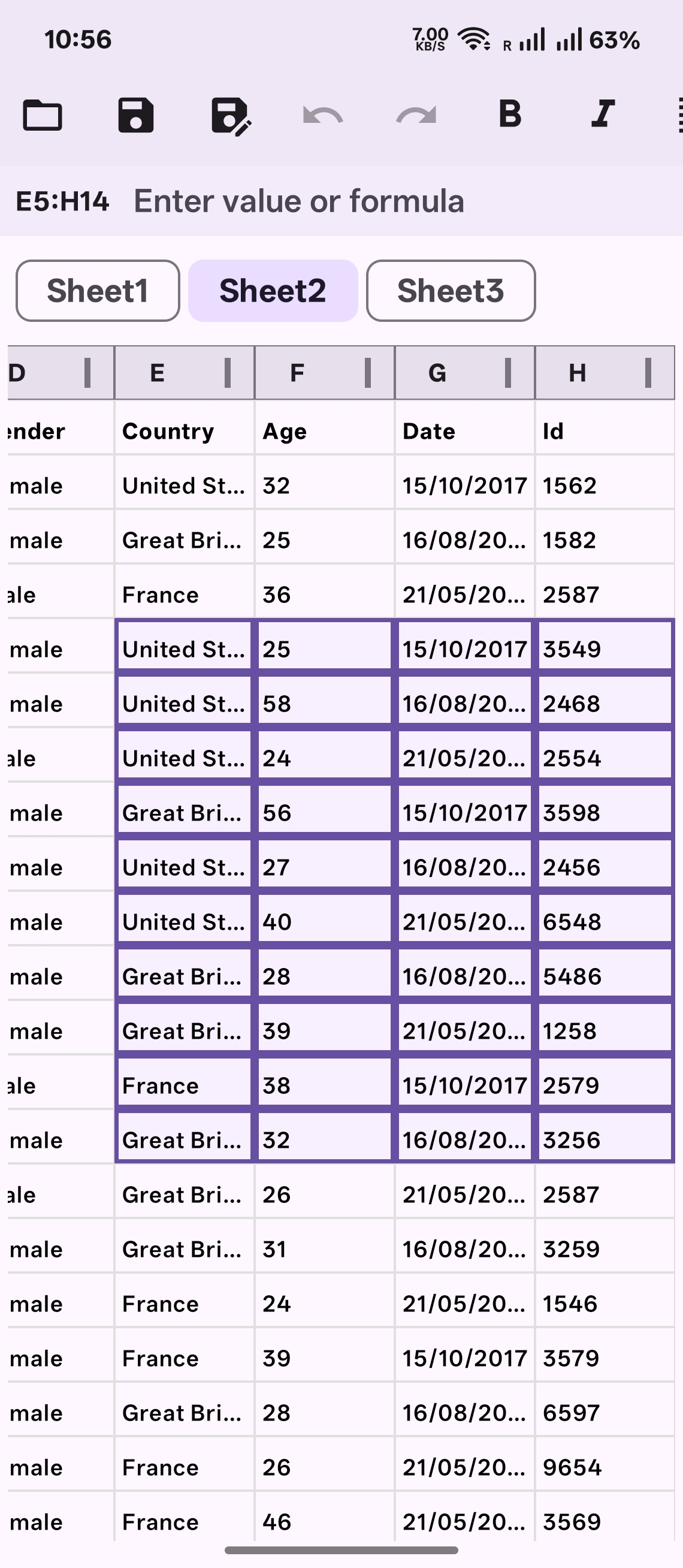
Spreadsheet Editor Lite opens .xlsx and .xls files from email attachments, Google Drive, your file manager, messaging apps, and more. View sheets on the go, or subscribe to edit cells, apply formatting, and save your changes back to the original file or a new location.
Online Tutorial

Detailed Description
Edit Excel workbooks on your phone or tablet—without a desktop.
Spreadsheet Editor Lite opens .xlsx and .xls files from email attachments, Google Drive, your file manager, messaging apps, and more. View sheets on the go, or subscribe to edit cells, apply formatting, and save your changes back to the original file or a new location.
Key Features
Open files from anywhere
• Tap "Open with" or "Share" from Gmail, Drive, Files, WhatsApp, and other apps
• Use the in-app "Open" button to pick a workbook from storage
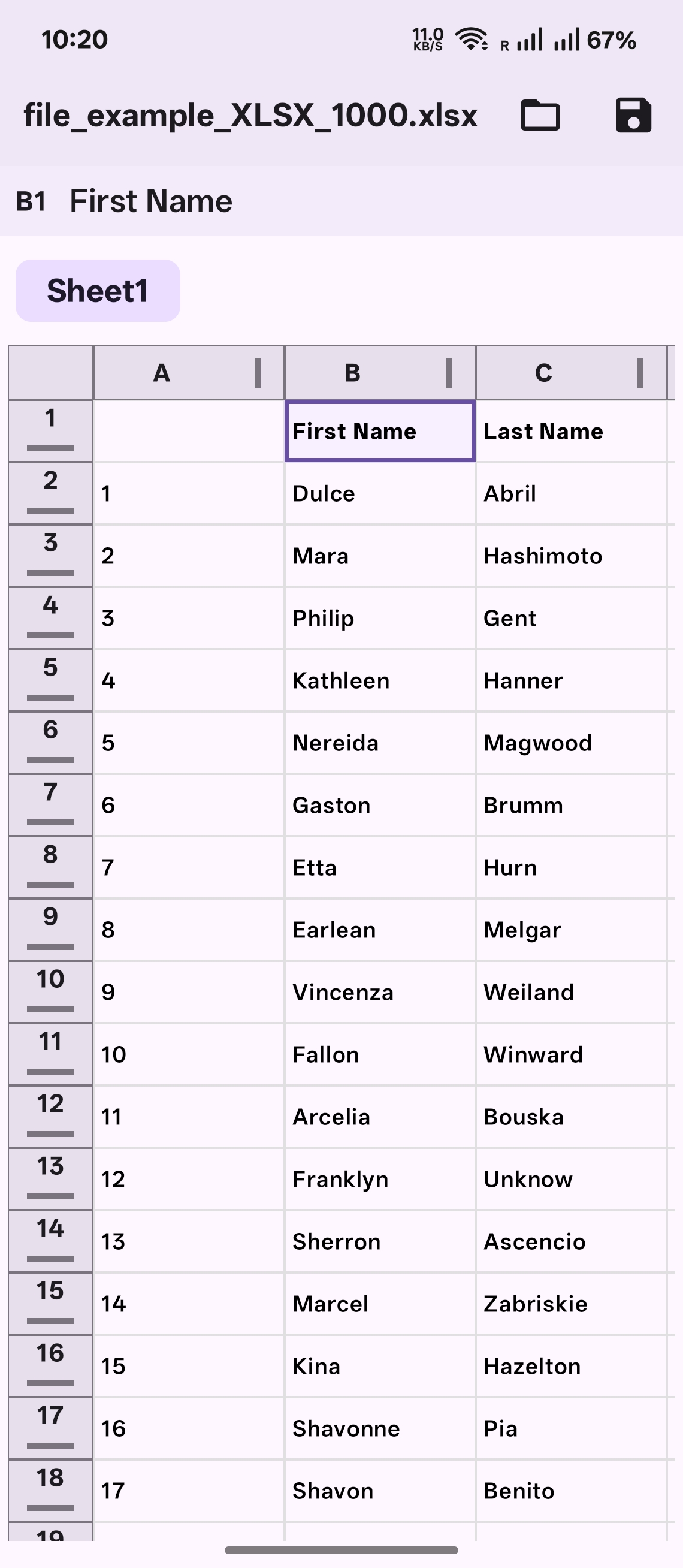
• Multi-sheet workbooks with a tab bar for quick navigation
• Password-protected .xlsx and .xls files supported
Edit spreadsheets (subscription)
• Edit cell values with a formula bar
• Undo and redo
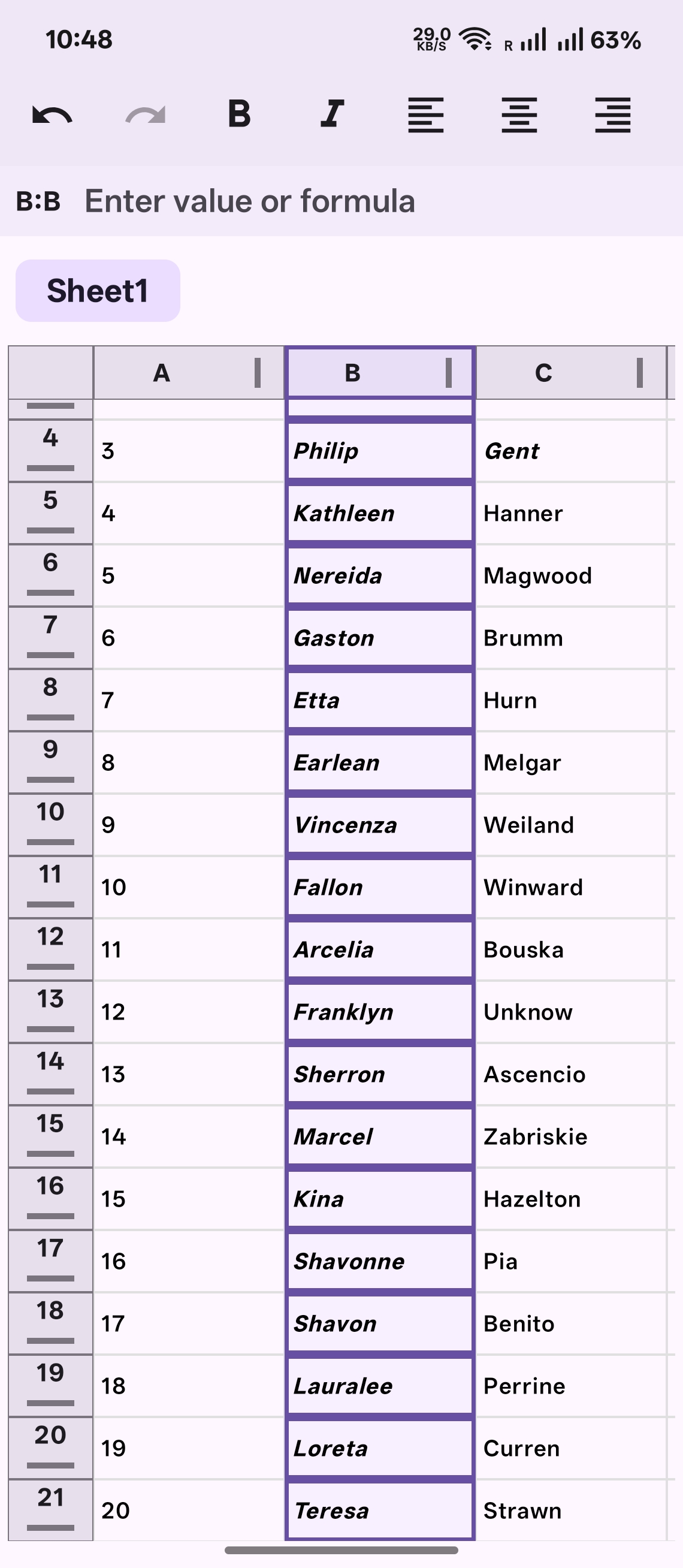
• Bold, italic, and text alignment
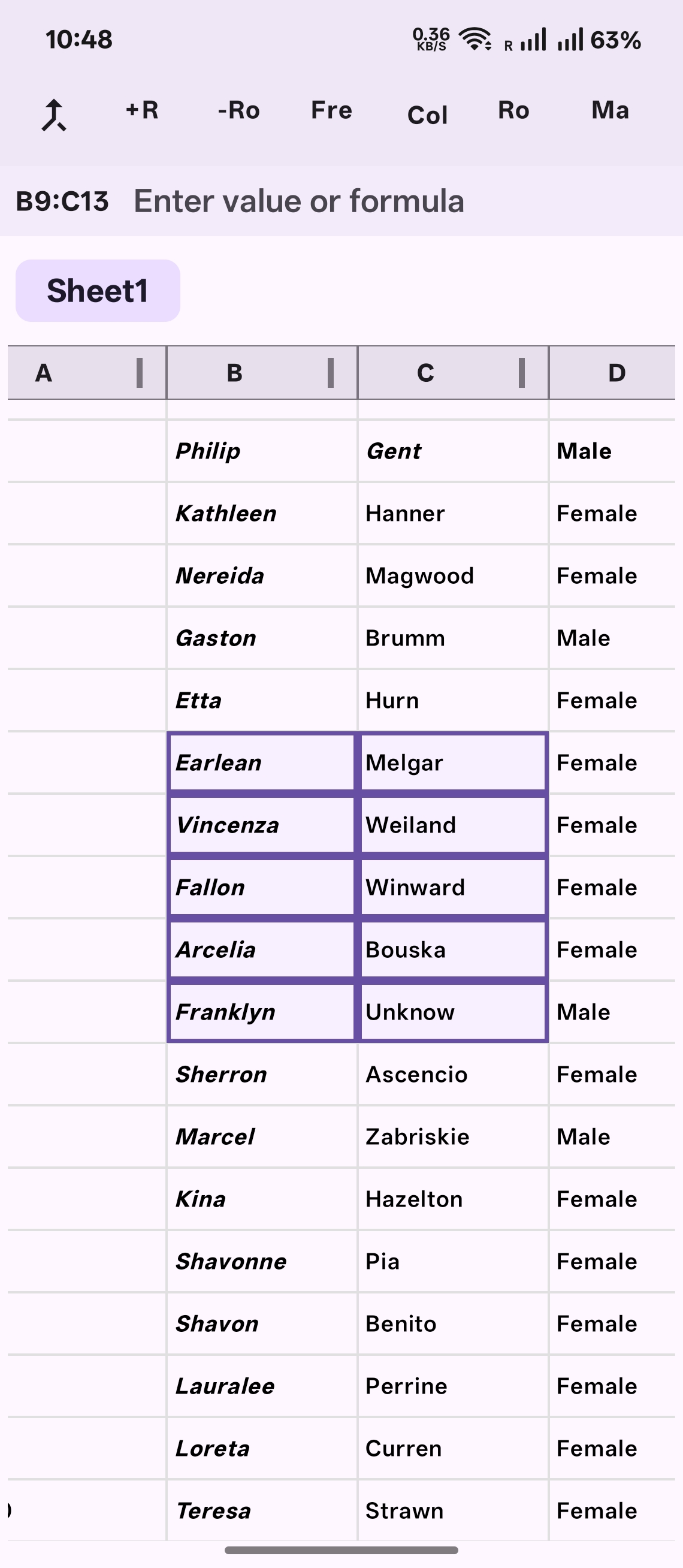
• Merge cells, freeze panes, insert and delete rows
• Formula recalculation for supported functions
• Save and Save As via Android’s storage picker
Built for real files on mobile
• Virtualized grid for smooth scrolling
• Large sheets: windowed loading for sheets with thousands of rows (scroll to load more)
Free to view — subscribe to edit
Opening and reading spreadsheets is always free. Editing and saving requires a Spreadsheet Editor Pro subscription: 14-day free trial, then $1.99/month (price may vary by region). Cancel anytime in Google Play. Restore purchases and manage your subscription from within the app.
Screenshots